
Download Ulead PhotoImpact – image editor, photo editing software, photo enhancement, creative tools, digital design, photo manipulation, image editing tools, photo retouching, graphics editing, photo effects
Overview
Ulead PhotoImpact is a comprehensive image editing solution designed for users seeking robust tools to enhance and manipulate digital images. Originally released in 2002, this software provides a powerful platform for both amateur and professional creators to produce high-quality visual content. The application supports a wide range of tasks, including photo retouching, image enhancement, and digital design, making it suitable for projects ranging from personal photo editing to professional graphic work. Its versatility across various creative applications underscores its relevance in the image editing ecosystem, particularly for users who value customizable workflows and advanced functionality.
Target users include photographers, graphic designers, hobbyists, and anyone involved in digital content creation who requires precise control over image editing. While the developer, Ulead Systems, is no longer actively involved in modern software development, the application remains a notable name in the history of desktop image editing tools. Despite its age, Ulead PhotoImpact continues to be referenced by users seeking legacy software with reliable performance and feature depth. Real-world use cases include preparing images for print, designing web graphics, and applying creative effects to enhance visual storytelling.
The developer did not provide additional technical details regarding modern compatibility or support. Specific requirements were not listed. Compatibility information was not fully disclosed. Although the software was released in 2002, it remains accessible to users on older Windows systems, though its use on modern operating systems may require compatibility modes or emulation.
Key Features & Functionality
- Customizable Interface: Users can tailor the workspace by selecting and arranging toolbars to match their workflow. This feature supports productivity by minimizing navigation time and enabling quick access to frequently used tools.
- Extensive Template Library: The software includes a wide selection of pre-designed templates, offering users a starting point for projects. These templates support rapid prototyping and creative exploration, especially useful for users seeking inspiration or time-efficient design solutions.
- Advanced Editing Capabilities: Ulead PhotoImpact provides a suite of tools for detailed image manipulation, including layer management, color correction, and filter application. These tools empower users to achieve professional-grade results for both web and print media.
- Versatile Application: Designed to serve diverse needs, the software supports tasks such as photo enhancement, digital illustration, and layout creation. Its broad functionality allows users to adapt it to various creative demands without switching between multiple applications.
- User-Friendly Experience: Despite its advanced features, the interface is structured to be intuitive, reducing the learning curve for new users. This balance between power and accessibility makes it approachable for beginners while still offering depth for experienced users.
For example, a user preparing a photo for a social media post can use templates to align composition, apply filters for visual effects, and adjust colors for optimal clarity. Similarly, a designer working on a brochure layout can leverage layering and precision tools to manage complex designs efficiently. The software’s feature set enables a streamlined workflow across multiple stages of image creation and refinement.
Interface, UX & Performance
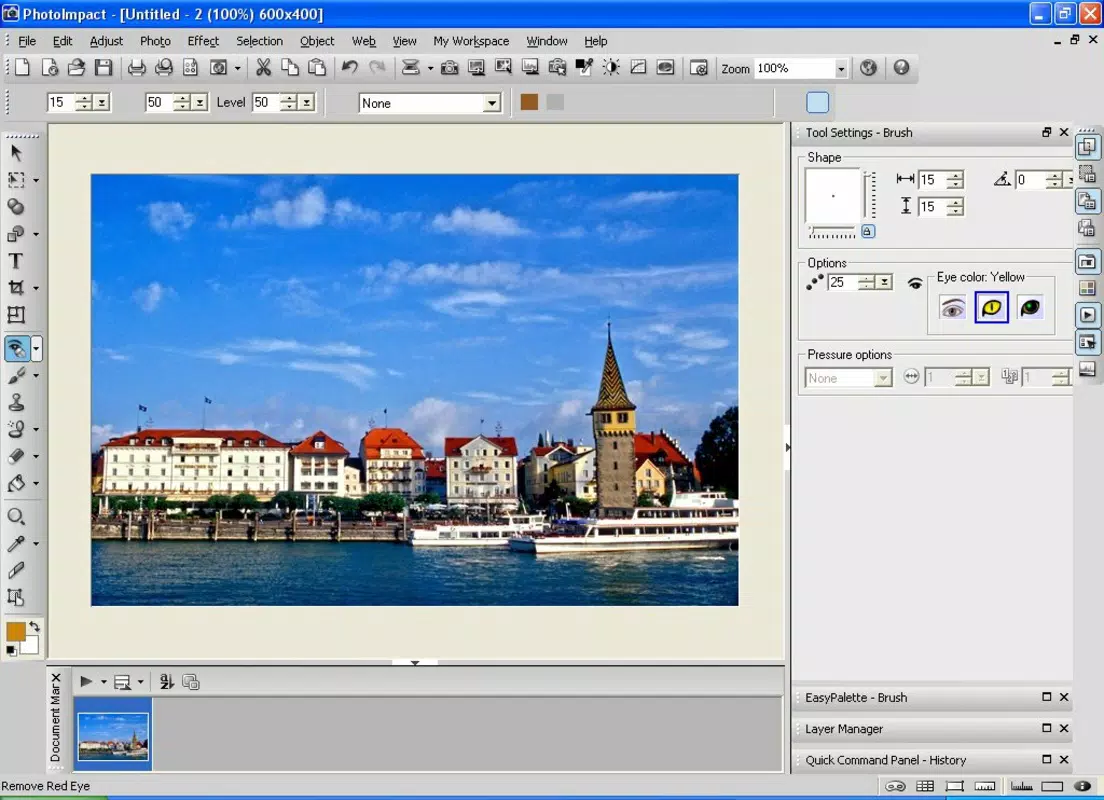
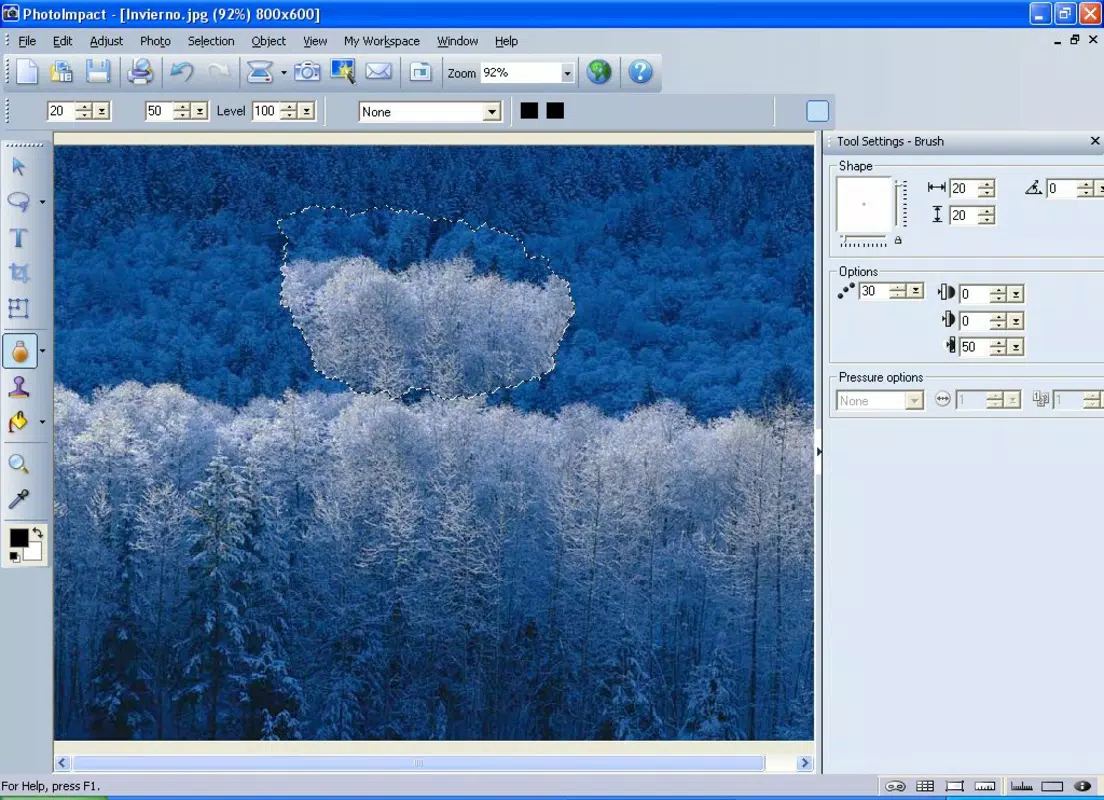
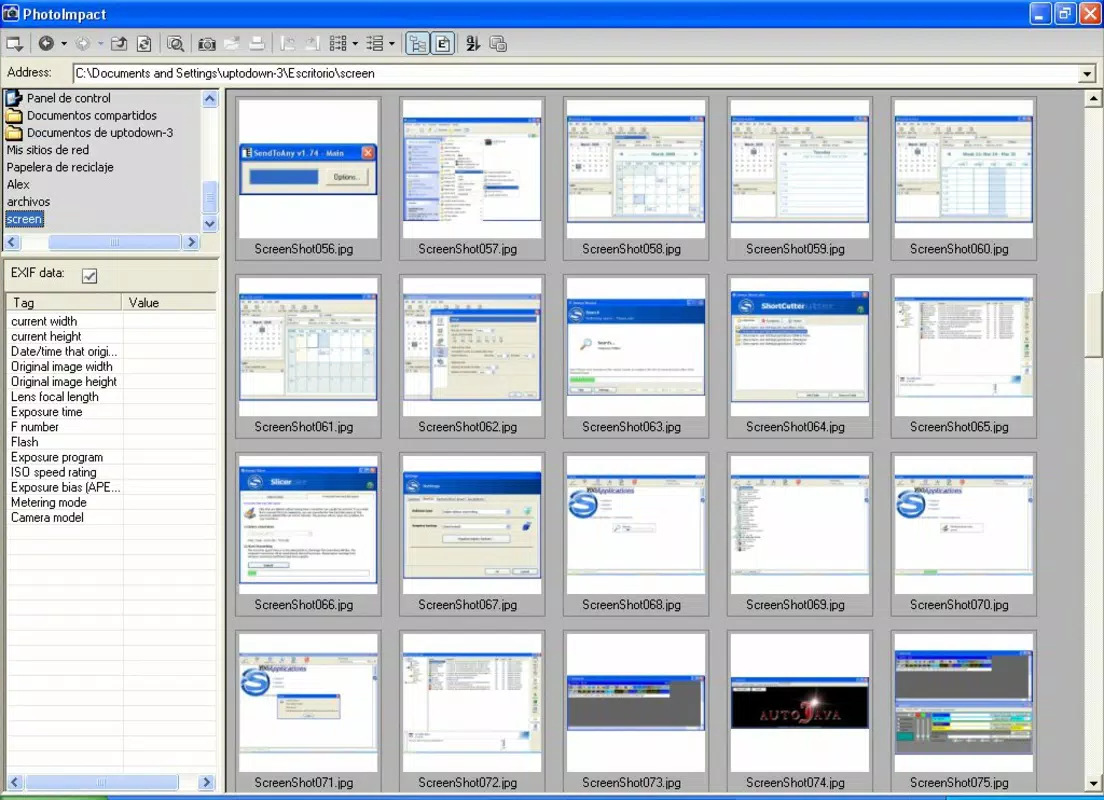
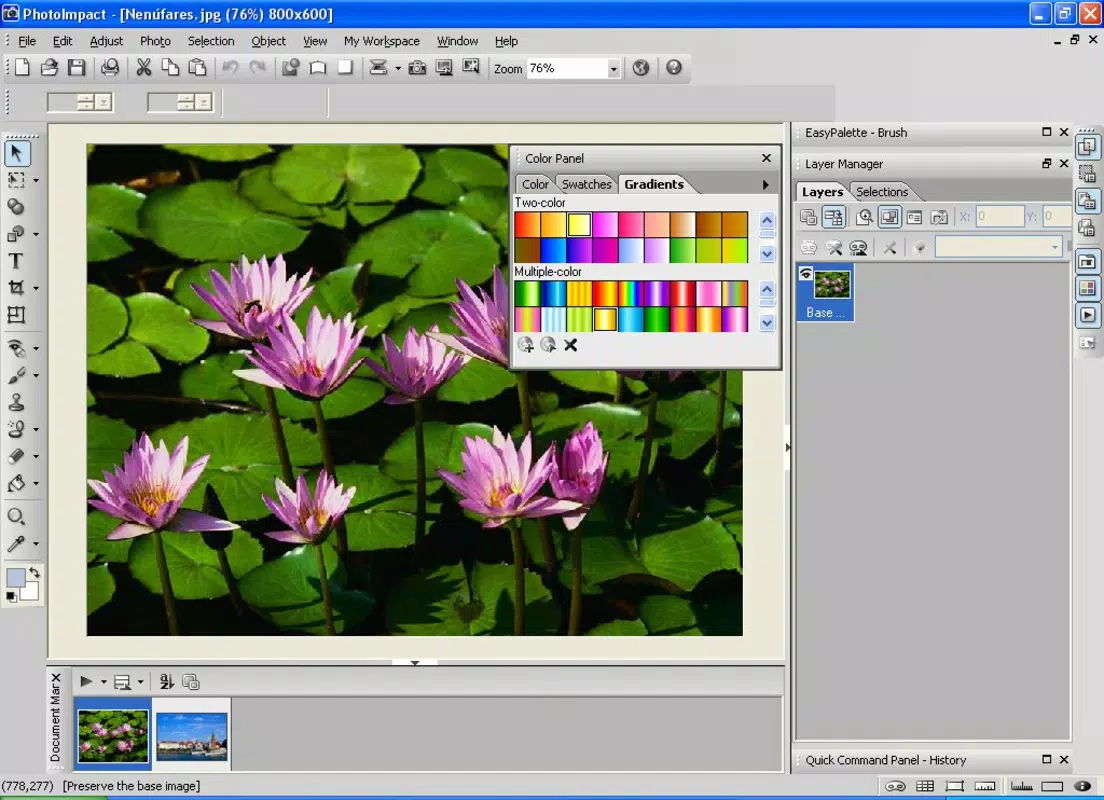
The user interface of Ulead PhotoImpact follows a traditional desktop application layout, with toolbars, menus, and panels arranged for direct access to editing functions. The visual style reflects early 2000s software design, emphasizing functionality over modern aesthetics. Navigation is linear and consistent, with logical menu hierarchies that guide users through editing tasks.
While the developer did not list formal performance metrics, the application’s file size of 34.5 MB suggests a lightweight footprint for its era. This size indicates efficient resource usage, which likely contributed to its performance on systems with limited hardware capabilities at the time of release. The software operates without requiring high-end specifications, making it accessible on older machines.
Although the developer did not specify minimum OS requirements, users may encounter challenges running the software on modern Windows versions without compatibility settings. Responsiveness and stability appear to have been reliable within the constraints of its release environment. However, long-term use on current systems may be limited due to outdated architecture and lack of updates.
Platform Compatibility & Technical Requirements
Ulead PhotoImpact is designed for the Windows operating system. The software version is 5.5, released on May 1, 2002. The file size is 34.5 MB, indicating a compact installation package for its time. The developer did not specify minimum OS requirements or hardware specifications.
Compatibility information was not fully disclosed. While the application was originally built for Windows systems prevalent in the early 2000s, it may not function natively on modern Windows versions without compatibility mode or third-party emulation tools. Users are advised to test the software on their system before installation.
Pros and Cons
- Comprehensive set of image editing tools for detailed manipulation
- Customizable interface enhances workflow efficiency
- Extensive template library supports creative exploration
- Lightweight file size for its feature set
- Designed to be accessible for users of varying skill levels
- Released in 2002; not updated for modern systems
- May not run natively on current Windows versions
- Limited support and no official updates from the developer
- No mobile or cross-platform availability
- Outdated user interface by current design standards
FAQ
Is Ulead PhotoImpact compatible with Windows 10 or 11?
Compatibility with modern Windows versions is not guaranteed. The software was released in 2002 and may require compatibility mode or emulation to function properly on Windows 10 or 11.
Can I download Ulead PhotoImpact for free?
The app is not available for free. The listed price is $49.95. While some legacy versions may be found on third-party sites, downloading from unofficial sources carries security risks.
Does Ulead PhotoImpact support mobile devices?
Ulead PhotoImpact is a Windows-only desktop application. There is no official mobile version available for Android or iOS devices.
What file formats does Ulead PhotoImpact support?
While specific formats were not listed, the software is known to support common image formats such as JPEG, PNG, BMP, and GIF, typical for its release era.
Is Ulead PhotoImpact safe to install?
Installation is safe only when obtained from official or trusted sources. The software is outdated and may trigger antivirus warnings due to lack of modern security updates.
Final Thoughts
Ulead PhotoImpact stands as a legacy tool in the world of digital image editing, offering a powerful suite of features that were once industry-leading. While its age presents compatibility challenges on modern systems, it remains a viable option for users working within older environments or seeking a lightweight, feature-rich editor without subscription costs. Its customizable interface, template library, and advanced editing tools continue to serve creative professionals and hobbyists alike, particularly those who value stability and control over modern, cloud-dependent alternatives.
For users with older Windows systems or those exploring historical software, Ulead PhotoImpact delivers strong value. It is especially beneficial for individuals needing a standalone, non-cloud-based solution for photo enhancement, digital design, and photo manipulation tasks.
Download Ulead PhotoImpact now


